
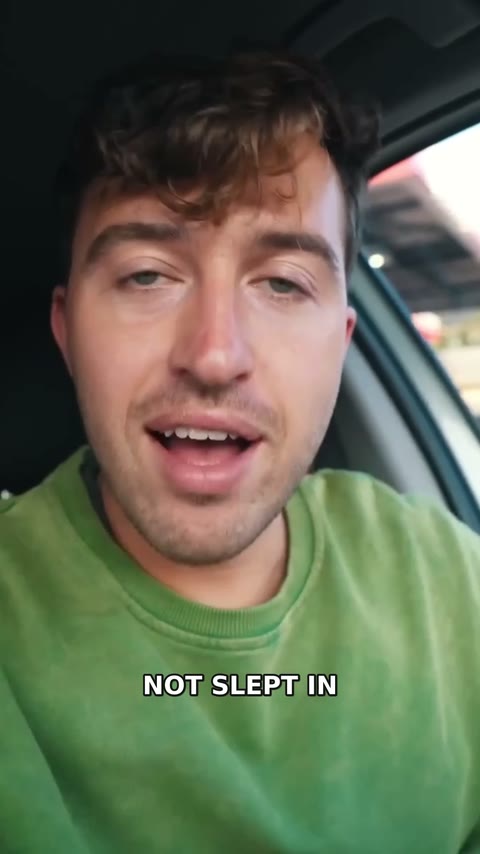
 A little more adventureTravel story · Captioned
New Find clips: turn one long recording into a stack of ShortsTurn a raw take into a
Turn a raw take into a
finished short in minutes
Befosync trims the dead air, adds word-timed captions, and hands back a finished MP4 ready to share.
 BefosyncTravel story · Captioned
Real creator reels, captioned in Befosync
SpotlightThe good part is
The good part is
already in there
The thought. The story. The thing you had to say. Befosync takes care of the pauses and captions so more of it comes through.
Make your first short- Keep your words in their original order
- Captions built from your actual audio
- Compare, adjust, and export
BefosyncCaptionedStop editing around your own voice.
Do it in Befosync.
Just launched
Find the clips in your long recording
Upload a lightweight proxy of a podcast, tutorial, or talk. Befosync reads the transcript, proposes complete moments, and reframes each one around the primary face as a vertical Short.
Try Find clips Transcript · 42:16
…so the thing nobody tells you about your first launch is the quiet week after. You ship, you refresh, and nothing happens — and that's where most people stop. We kept going because every single reply we got was from someone who actually needed it. That changed how we…
Proposed clips
The quiet week after launch00:41 · 1080 × 1920
Every reply was someone who needed it00:28 · 1080 × 1920
Why we kept shipping00:36 · 1080 × 1920
Make Short- Reads the full transcript of your recording
- Proposes complete moments, not random cuts
- Reframes each clip around the primary face
- Exports each selection as a vertical Short
See what creators are making
Real vertical footage, captioned in Befosync:
A little more adventureTravel story · Captioned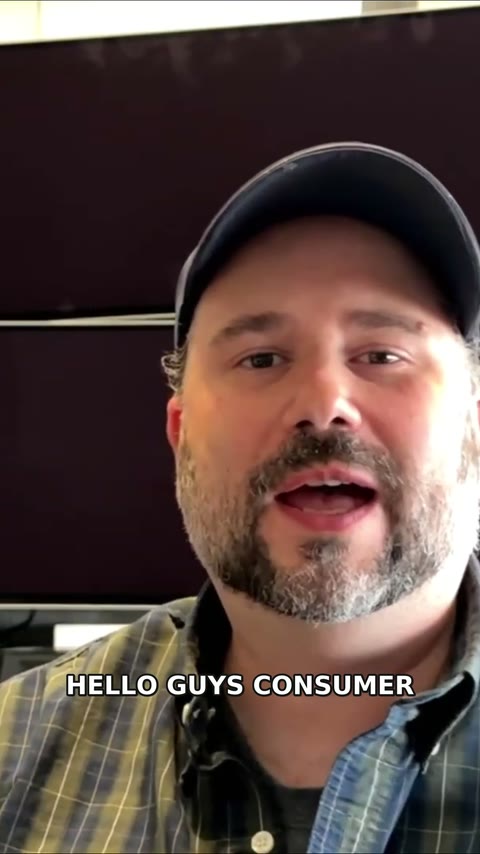 Made on the moveCreator story · Captioned
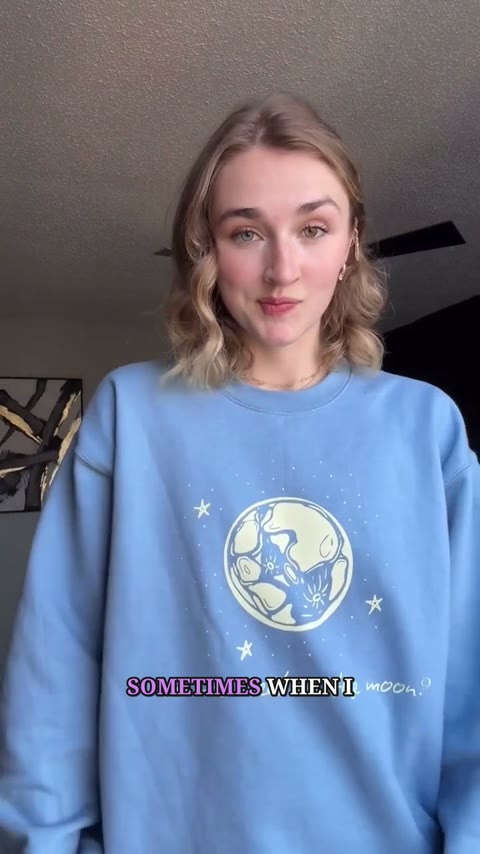 Wear your own worldStyle story · Captioned
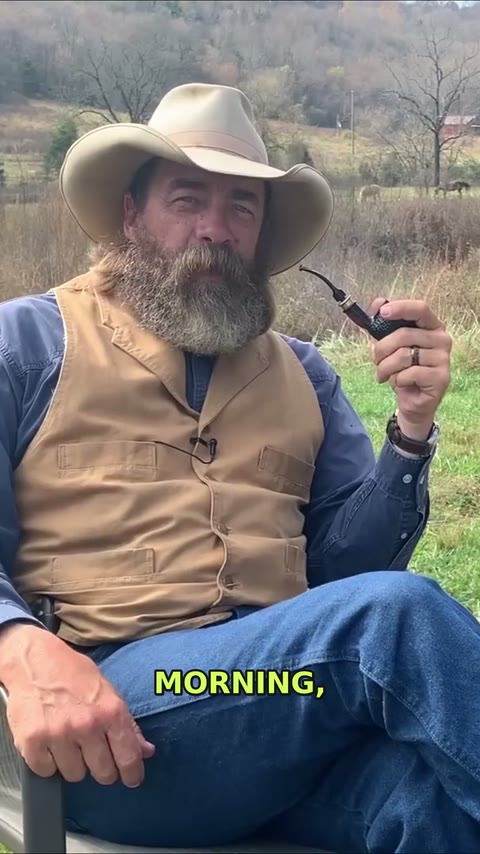 A story with room to breathePortrait story · Captioned
How it works
Drop your clip hereMP4, MOV, WebM · Up to 5 minutes
Features
Small details. A better final take.
Made for:
CreatorsEducatorsPodcastersFounders
Face retouch
NaturalSoftPolished
Skin smoothing
Shine reduction
A natural little polish
Optional face retouch softens skin, evens tone, and reduces shine while keeping texture. Choose the finish that feels like you.
Private storage
first-take.movOriginal · read-onlyPreserved
Signed render linkExpires in 14:59Active
Modal workerTranscribe · analyze · renderDone
Your footage stays yours
Private object storage holds your clip while dedicated workers process it through expiring signed links. Your original is never overwritten.
Export
my-next-short.mp41080 × 1920 · 30 fps
.MP4Original audioUp to 1080p
Ready for the next step
Take your finished MP4 video with you. Keep your original framing and audio, with exports up to 1080p at 30 fps.
Common
questions
Start editing What kind of videos can I edit?
Edit a single MP4, MOV, or WebM Short, or upload a lightweight proxy of a longer recording to find clips. Befosync works best with clearly recorded speech, such as a talking head, tutorial, podcast, or story. Long-video selections are automatically reframed around the primary face as a 1080 × 1920 vertical Short.
What does the automatic edit actually remove?
In the Short editor, Befosync removes low-volume pauses and can detect repeated speaking attempts so the final take remains. In Find clips, it reads the transcript and proposes complete moments from a longer recording. Background music or continuous noise can make speech boundaries harder to detect.
Where is my footage processed?
In production, uploads and exports live in private object storage and short-lived signed links let Befosync’s dedicated Modal workers transcribe, analyze, retouch, and render them. The links expire automatically and your original is never overwritten. Local development can keep processing on the machine running Befosync.
Can I change the captions?
You can choose from nine caption styles, customize the font and colors, or turn captions off. Captions are transcribed in English or Sinhala (සිංහල), in the language's own script, and sit over your footage following the edited audio. Transcription can make mistakes, so you can easily click any caption in the timeline to correct typos before sharing.
What can I download?
Download an edited MP4 with your custom captions burned in. Video exports retain the original audio and framing, at up to 1080 × 1920 or 1920 × 1080, at 30 fps. Befosync does not publish to social platforms on your behalf.